Endpoint security products are usually sold as suites, clients or agents. CrowdStrike calls its one a sensor. That word is the most honest one-word summary of what the software actually does.
A sensor does not sit and scan. It observes, records and reports, then waits for instructions. This design explains nearly everything about the CrowdStrike Falcon sensor: why it is so small, why it needs a cloud connection to be useful, and why a rollout can look complete while leaving large gaps behind.
This guide covers what the CrowdStrike Falcon sensor is, how it works, where it runs and what to check before you roll it out.
What is CrowdStrike Falcon sensor?
It is a small software agent that you install on an endpoint. An endpoint here means anything that runs an operating system: a laptop, a desktop, a physical server, a virtual machine or a cloud workload.
The agent does two jobs. It watches activity on that machine, and it enforces the rules you set. Most detection analytics, policy management and correlation occur in the Falcon cloud. Three points make it different from traditional antivirus:
- One agent, many modules: The same sensor supports multiple Falcon capabilities, including endpoint protection, identity protection, cloud security and Next-Gen SIEM.
- Behaviour over signatures: It looks for patterns of attack rather than matching known malware files, so it can catch attacks that use no malware at all.
- No on-premise server: CrowdStrike’s deployment documentation notes there are no controllers to install or maintain, since policy and analysis sit in the Falcon cloud.
6 jobs the CrowdStrike Falcon sensor does on an endpoint
Once installed, the agent runs quietly in the background. Here is what it is actually doing.
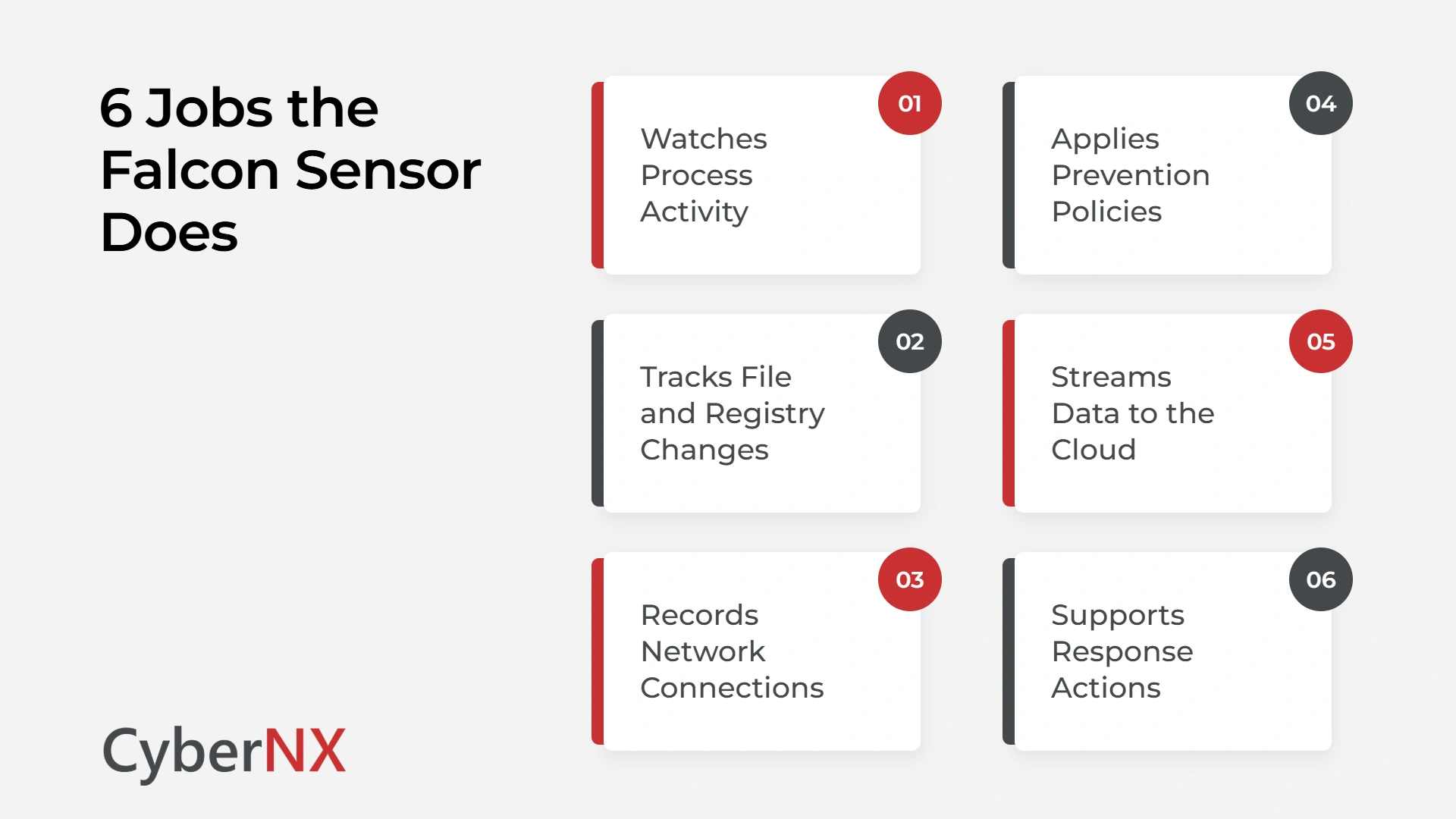
- Watches process activity: Which programs start, what they launch and how they behave.
- Tracks file and registry changes: Including changes that ransomware makes before it encrypts anything.
- Records network connections: Where the machine is talking to, and whether that destination is known to be bad.
- Applies prevention policies: Blocks or allows actions based on the rules you configure in the console.
- Streams data to the cloud: This helps detections to be correlated across your whole estate, not just one device.
- Supports response actions: An analyst can isolate the machine from the network or pull files from it remotely.
The last two matter most during an incident. Isolation stops the spread while the rest of the business keeps working.
Where the CrowdStrike Falcon sensor runs
The agent supports Windows, macOS and Linux, but it does not work the same way on each.
On Windows it uses a kernel-mode driver alongside a user-mode service. CrowdStrike has explained its Windows architecture as a trade-off: kernel access gives deeper visibility and stronger tamper resistance, at the cost of running close to the operating system core.
That trade-off is now changing. Following the July 2024 outage, Microsoft began a Windows resiliency programme and opened a private preview of a new Windows endpoint security platform in 2025, so security agents can eventually run outside the kernel. CrowdStrike is one of the vendors working on it.
On macOS the sensor uses Apple’s Endpoint Security Framework. On supported Linux platforms, recent Falcon sensor versions can use eBPF-based telemetry collection, which reduces dependence on traditional kernel modules.
What to check before you deploy the CrowdStrike Falcon sensor in India
Installation is quick but getting it right is a different matter. These are the checks Indian teams most often skip.
- Cloud region: CrowdStrike announced in-country cloud deployments for India in January 2026. Confirm which region your tenant sits in, before rollout.
- Update rings: Stage sensor updates across pilot, early and broad groups instead of pushing to everything at once.
- Prevention policy mode: Run in detect-only for a short baseline period, tune the noise, then move to block. Many deployments never complete that second step.
- Agent coverage: Branch servers, contractor laptops and older virtual machines are the usual gaps.
- Exclusions: Document every exclusion and review it. Broad exclusions quietly undo the protection you paid for.
Conclusion
The CrowdStrike Falcon sensor is a strong piece of engineering, but it is still just an agent. It watches what you tell it to watch and blocks what you allow it to block. Coverage, tuning, update discipline and cloud region are decisions your team has to make, and those decisions are what separate a protected estate from an expensive dashboard.
At CyberNX, our CrowdStrike consulting services team helps Indian firms plan the sensor rollout, tune prevention policies, close coverage gaps and integrate Falcon telemetry into a 24/7 SOC.
As a strategic CrowdStrike partner CyberNX combines detection engineering expertise with CrowdStrike’s AI-native unified platform to deliver managed security operations that go beyond deployment. Every decision is handled by a team that runs these deployments daily and understands what Indian auditors look for when they test endpoint controls. The sensor is the foundation. What CyberNX and CrowdStrike deliver together is what makes that foundation produce audit-ready security outcomes. Talk to our experts today and get your Falcon deployment reviewed before your next audit.
CrowdStrike Falcon Sensor FAQs
What is CrowdStrike Falcon sensor in simple terms?
If you are asking what is CrowdStrike Falcon sensor, here’s the short version – it is a small software agent installed on laptops and cloud workloads. It watches activity on the machine, applies the prevention rules you configure and sends data to the Falcon cloud, where detections are analysed and correlated across your environment.
Does the Falcon sensor slow down a machine?
It is designed as a lightweight agent, and most users do not notice it. Performance complaints usually trace back to overlapping security tools or badly written exclusions rather than the agent itself, which is why compatibility testing before broad rollout is worth the time.
Can the Falcon sensor replace traditional antivirus?
Yes, in most environments. It includes next-generation antivirus along with behavioural detection, so a separate legacy antivirus product is normally removed. On Windows, Defender Antivirus is configured to operate in passive mode when CrowdStrike becomes the primary antivirus solution, although behaviour depends on Microsoft’s platform configuration.
How is the Falcon sensor updated?
Updates come in two forms: sensor version upgrades and cloud-delivered content updates. Both can be staged using update policies, which is the main control available to reduce the risk of a bad update reaching every machine at the same time.