
What if your web application hid a vulnerability that no one noticed? What if a single missed check opened the door to attackers? Many teams ponder over these questions only after a breach. A story we often hear starts the same way. A business launches a new customer portal. Adoption rises and users love it. As time flies by, an overlooked input flaw exposes sensitive data. The assumption that their app was safe turns out to be the biggest mistake.
Situations like this push leaders to rethink how they test their applications. They want reliable VAPT tools for web applications that uncover issues early and help their teams build safer systems. Additionally, it helps in meeting compliance needs. Yet choosing the right mix of tools can feel overwhelming. Each one claims to be smarter and faster than the next.
In this blog, we narrow the field. We explain what matters, share relevant data, and list ten proven options – five commercial and five open-source. This guidance helps CISOs, CTOs and engineering leaders understand which web application VAPT tools support their security goals and development pace.
Why teams turn to VAPT tools for web applications
Many web applications carry hidden risks. Fast development cycles leave little room for thorough testing. Teams often build features under pressure. Mistakes slip in and attackers grab these low-handing opportunities to cause havoc.
Recent industry data highlights the urgency. Studies show that:
- Around 25 to 26% of confirmed data breaches come from web application attacks. It is a reminder that testing cannot be an afterthought.
Another report notes that:
- 88% of these breaches stem from stolen or misused credentials, suggesting attackers prefer simple routes over complex exploits.
Basic technical flaws continue to cause damage as well as per a Security Magazine report.
- Injection attacks still account for roughly 12% of web application breaches.
- And more than 92% of organisations admit to facing at least one application-related breach in the last year.
We see a common thread. Web applications break in predictable ways because they are complex, widely exposed, and tightly linked to business logic. VAPT, short form for vulnerability assessment and penetration testing, plays a mighty role in spotting security weaknesses across networks, codebases and databases. And the VAPT tools help testers by supporting secure coding, continuous testing and routine verification across environments.
Features your next VAPT tool must have
Before exploring specific tools, it helps to know what strong platforms typically offer. Leading solutions provide:
- Deep scanning of input validation issues, configuration errors and endpoint-level flaws
- Support for authentication-based testing, including multi-factor and token-based access
- Business logic testing features that reveal workflow issues
- Integrations with CI and CD pipelines
- Clear reporting that supports both engineering and leadership teams
- Options for manual validation alongside automated scanning
Tools may specialise in scanning, fuzzing, or interactive testing. Some excel in automation while others focus on depth. Most organisations, however use a mix.
Commercial VAPT tools for today’s CI/CD pipeline
Commercial solutions offer structured support, deeper automation and stronger enterprise integrations. They suit teams that need assured coverage and reliable updates. Over many years, we have used multiple tools to deliver best outcomes for our clients. Here’s what we believe are the top commercial VAPT tools in market today:
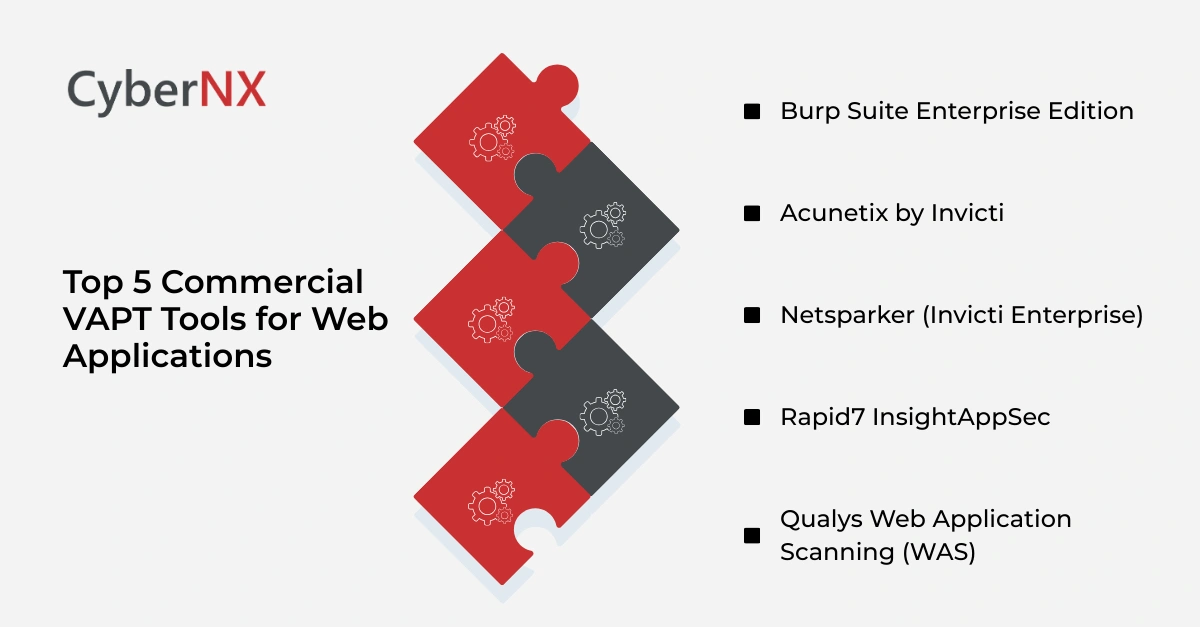
1. Burp Suite Enterprise Edition
Burp Suite Enterprise provides scalable automation for continuous scanning. It fits teams running daily or weekly pipeline tests. It excels in crawling complex applications and identifying injection flaws, authentication issues and misconfigurations. Engineers value its accuracy and stability.
2. Acunetix by Invicti
Acunetix is widely used for its speed and coverage. It scans modern frameworks, APIs and single-page apps. Reporting is simple and helps teams prioritise issues quickly. It suits organisations that want low setup time and strong automation.
3. Netsparker (Invicti Enterprise)
Netsparker uses a proof-based scanning engine. It validates results by automatically confirming the existence of many high-risk vulnerabilities. This reduces false positives significantly. It supports large-scale testing and offers strong CI integration.
4. Rapid7 InsightAppSec
InsightAppSec offers broad scanning features and good usability. It supports dynamic scanning, attack replay and detailed remediation steps. Teams with distributed environments appreciate its cloud-driven approach and dashboards.
5. Qualys Web Application Scanning (WAS)
Qualys WAS works well for organisations that already use the Qualys platform. It scans web apps, APIs and cloud workloads. It offers continuous monitoring and neat tagging features for asset classification.
ZAP and other open-source tools for web apps
With a strong bug hunting background, we know how much open-source tools support flexibility and cost efficiency. They work well for teams with internal expertise or those building a layered testing model.
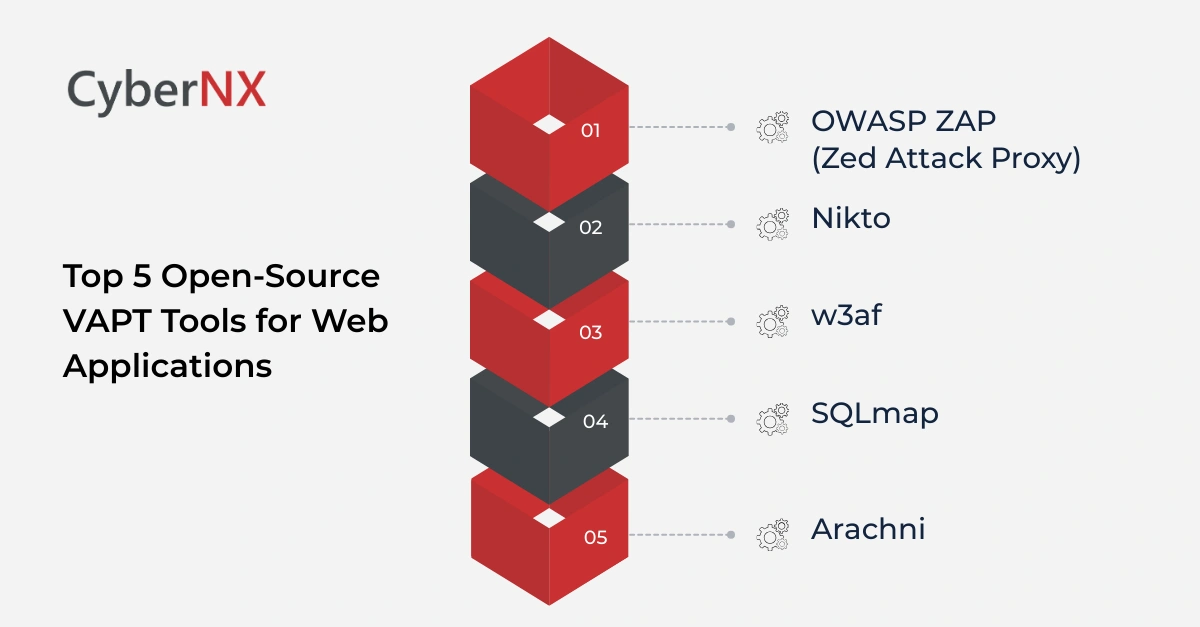
1. OWASP ZAP (Zed Attack Proxy)
OWASP ZAP is a community favourite. It offers automated scanning, proxying, fuzzing and spidering. It is ideal for both beginners and experienced testers. Many organisations use it in CI pipelines.
2. Nikto
Nikto is a lightweight, command-line scanner that checks for outdated components, insecure configurations and common server flaws. It is fast and simple. Teams often use it alongside other tools.
3. w3af
w3af works as a framework for identifying and exploiting web application vulnerabilities. It includes modules for scanning, auditing and injecting payloads. Its plugin-based design offers flexibility.
4. SQLmap
SQLmap is a powerful tool that automates the detection and exploitation of SQL injection flaws. Security teams use it to validate critical risks identified during assessments.
5. Arachni
Arachni provides a strong scanning engine with support for modern frameworks. It handles dynamic content well and offers reporting features. Many engineers appreciate its robust crawler and plugin capabilities.
Smart security stack: how to build modern VAPT toolkit
Most organisations avoid relying on a single tool. They combine scanners, proxies and manual processes. A balanced toolkit often includes:
- A commercial scanner for broad, automated coverage
- An open-source proxy or framework for manual validation
- CI-based testing that runs on every code change
- Scheduled full scans for production-like environments
When selecting VAPT tools for web applications, consider your architecture, team skill set, development speed and regulatory needs. Some tools excel in API scanning. Others focus on legacy systems. Match the tool to the problem, not the other way around.
The payoff of using structured VAPT tools
Well-chosen web application VAPT tools deliver clear value. They help teams:
- Spot weaknesses early
- Reduce manual effort
- Improve developer awareness
- Strengthen authentication and logic layers
- Build safer releases with fewer production surprises
- Create evidence for compliance reviews
Most leaders appreciate how these tools improve conversations between developers and security teams. Both sides work from the same findings and build shared understanding.
Conclusion
Every organisation invests heavily in its web applications. They support customers, partners and employees. Yet they remain one of the most common breach targets. Strong VAPT tools for web applications help teams uncover hidden issues before they grow into serious incidents. With the right mix of commercial and open-source options, organisations build safer systems, protect sensitive data and support business growth with confidence.
If you want support choosing the right tools or running a structured assessment, our team can help. We work alongside your engineers to strengthen your web applications and raise your security posture. Book a consultation with us to know about our VAPT services and how we can maximize your security program efficiency without hindering business operations.
FAQs on VAPT tools for web applications
How often should organisations run VAPT on web applications?
Most teams run VAPT during major releases, after significant architecture changes and at least once every quarter. This rhythm keeps security aligned with development pace. High-risk or customer-facing applications may need more frequent testing to catch issues early and reduce exposure.
Do open-source VAPT tools provide enough coverage for large enterprises?
Open-source tools offer strong depth and flexibility, but they often need skilled configuration to deliver reliable results. Many enterprises pair them with commercial platforms to gain wider automation, better reporting and smoother integration. This mixed approach provides balanced coverage across environments.
Can VAPT tools detect business logic flaws?
Most tools can detect basic logic weaknesses, especially around authentication or input handling. However, deeper workflow issues require human insight because they vary across applications. Experienced assessors analyse how real users interact with the system to uncover flaws tools usually miss.
Are automated scanners enough for cloud-native applications?
Automated scanners offer helpful coverage for common issues but may miss gaps created by containers, serverless components or microservices. These environments often carry configuration risks that need manual review. Combining scanners with expert validation provides more complete assurance.